

When to use CoMeeting
Use CoMeeting for:- Tech transfer working sessions.
- Deviation investigation interviews.
- CAPA review meetings.
- Validation planning discussions.
- Vendor or CDMO project calls.
- SME interviews.
- Process mapping workshops.
- Recurring quality or operations follow-ups.
Start a CoMeeting
1
Click Start CoMeeting
Use Start CoMeeting from the home shortcuts or open CoMeetings from the sidebar.
2
Choose the capture mode
Use in-person capture for discussion near your device. Use virtual capture when your organization supports remote-call audio capture.
3
Check audio
Confirm the right microphone or shared audio source is available before the discussion starts.
4
Capture the meeting
Start transcription. Pause or resume if needed.
5
Review the result
Review transcript, notes, summary, and action items before sharing.
In-person versus virtual capture
If virtual capture does not hear the call, check whether the share dialog included audio.
Review a CoMeeting
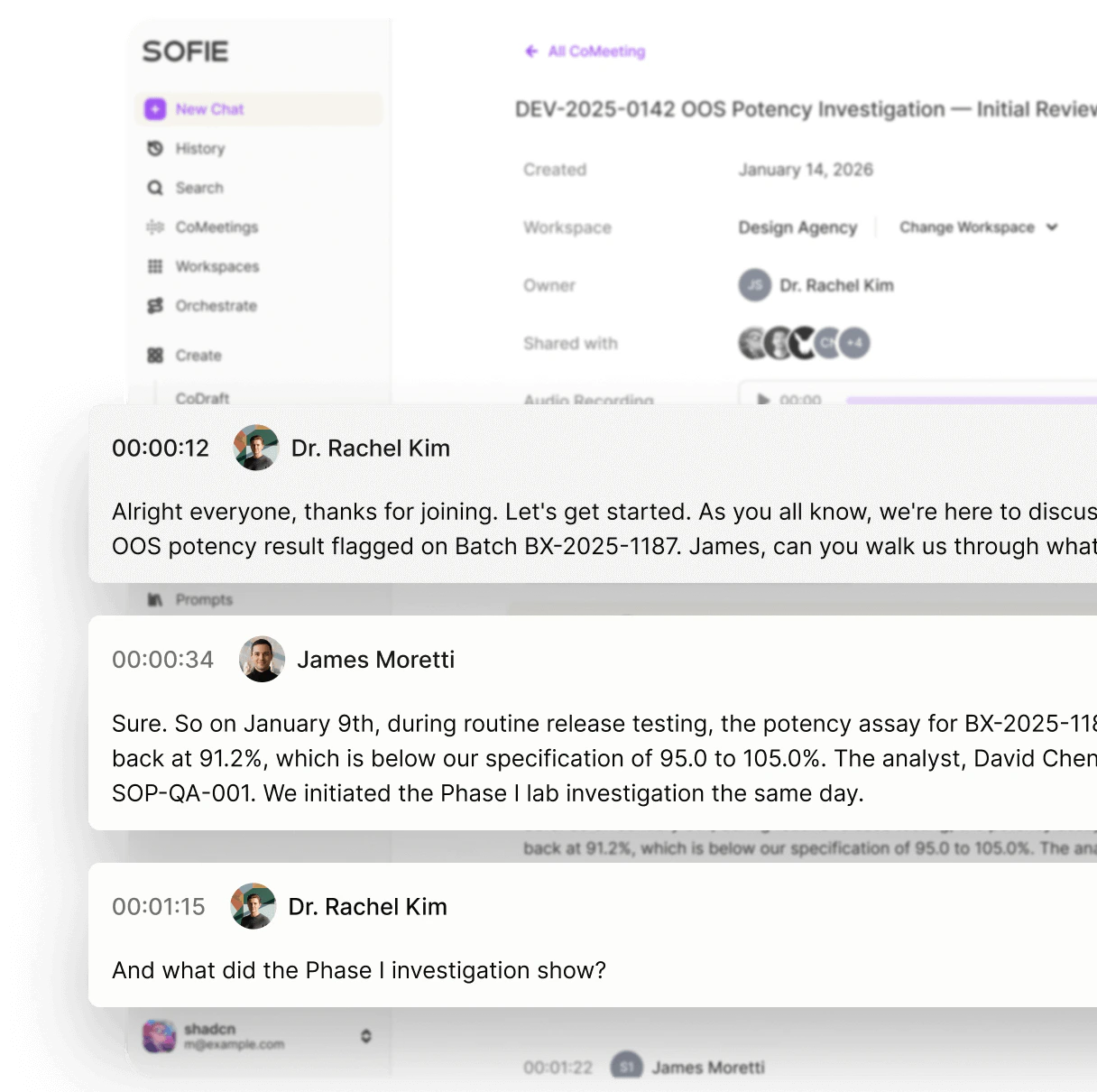
After capture, review the meeting page. Use:- Transcript for exact context.
- Notes for human-written or refined notes.
- Summary for main decisions and themes.
- Shared access details to confirm who can see the meeting.
Search meetings
CoMeeting search can help you find discussion by title, notes, summary, or transcript content. Search for:- Product, process, or equipment names.
- Batch, lot, campaign, or project identifiers.
- Owner names.
- Decisions and open questions.
- Phrases such as
release assay,sampling rationale,root cause, oracceptance criteria.
Use meeting context in chat
Add a CoMeeting as chat context when the transcript or notes should guide Sofie’s answer. Use meeting context to:- Draft action items.
- Create an SME interview summary.
- Compare meeting decisions with a protocol or CoDraft.
- Find inconsistencies between meeting notes and source files.
- Generate a follow-up email or meeting brief.
Share meetings
Share meetings only with people who need the transcript, notes, or summary. Before sharing:- Review the transcript for sensitive content.
- Confirm the meeting belongs in the selected Workspace.
- Add clarifying notes if a summary could be misunderstood.
- Remove or correct obvious transcription errors that affect meaning.
Convert a meeting into follow-up work
What should I ask Sofie after a meeting?
What should I ask Sofie after a meeting?
Ask for decisions, action items, owners, due dates, unresolved questions, risks, source gaps, and recommended next documents to review.